Sunday, September 4, 2022

Docker/Ubuntu: Installing the latest cmake on Docker Image

This post demonstrates how to install the latest version of cmake during docker build targetting an Ubuntu 20.04 image. The Dockerfile for such an image starts with:

FROM ubuntu:20.04

A previous post, Ubuntu: Upgrade to the latest cmake, demonstrated the bash commands that could be used to install the latest version of cmake on an Ubuntu 20.04.4 LTS image. Fundamentally these are the same commands that could be used to install cmake on a Docker image during build. From the previously demonstrated script, the sudo commands were removed a few additional apt-get commands are required.

A sample Dockerfile that installs the latest cmake (currently 3.24.1) on an Ubuntu 20.04 image is follows:

FROM ubuntu:20.04


# Put your own Dockfile commands here

RUN apt-get update \
  && apt-get -y install build-essential \
  && apt-get install -y wget \
  && rm -rf /var/lib/apt/lists/* \
  && wget https://github.com/Kitware/CMake/releases/download/v3.24.1/cmake-3.24.1-Linux-x86_64.sh \
      -q -O /tmp/cmake-install.sh \
      && chmod u+x /tmp/cmake-install.sh \
      && mkdir /opt/cmake-3.24.1 \
      && /tmp/cmake-install.sh --skip-license --prefix=/opt/cmake-3.24.1 \
      && rm /tmp/cmake-install.sh \
      && ln -s /opt/cmake-3.24.1/bin/* /usr/local/bin


# Put your own Dockfile commands here

Ubuntu/Azure: Upgrade an Ubuntu 20.04.4 LTS VM to the latest cmake

This post demonstrates how to install the latest version of cmake on an Azure Ubuntu 20.04.4 LTS virtual machine (VM).

In the post, Ubuntu: Upgrade to the latest cmake, the steps required to install the latest version of cmake on Ubuntu 20.04.4 LTS were presented. These aforementioned steps apply to environments like running Ubuntu under WSL where the native Ubuntu image was used to create the virtual machine or image. Multiple bash commands were required to install cmake and similarly, the uninstall required multiple bash commands.

Azures Ubuntu 20.04.4 LTS VMs contain additional packages to that of a stock Ubuntu image. These packages include Snap, a popular package manager. Using Snap the latest version of cmake can be installed as follows:

sudo snap install cmake --classic

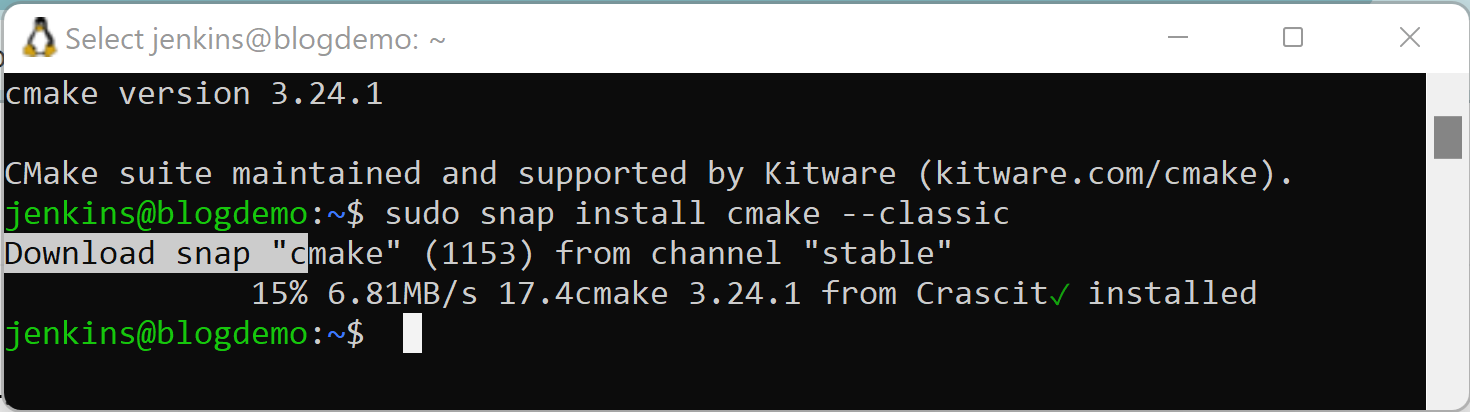
The output from the above install steps is shown below where the version of cmake (3.24.1) is displayed during installation:


Be warned:

Using apt-get to install cmake will get Ubuntu's version of cmake which is not the latest version of cmake. This means that features like DOWNLOAD_NO_EXTRACT will not be available to cmake.

The steps to uninstall cmake using the snap command are as follows:

sudo snap remove cmake

Appendix A: Snap

For those new to snap (see Snap (software)):


Friday, September 2, 2022

Ubuntu: Upgrade to the latest cmake

Ubuntu 20.04.4 LTS allows cmake to be installed as follows using -y to suppress the prompt:

sudo apt-get update && sudo apt-get install -y cmake

The cmake installed is not the latest version as can be seen using cmake --version:


To install the latest version of cmake, first uninstall cmake (if it is already installed and that it was installed using apt-get):

sudo apt-get remove -y cmake


Latest cmake Install

The cmake releases can be found at:

https://github.com/Kitware/CMake/releases

The following script downloads and installs a specific version of cmake (version 3.24.1):

wget https://github.com/Kitware/CMake/releases/download/v3.24.1/cmake-3.24.1-Linux-x86_64.sh \
  -q -O /tmp/cmake-install.sh \
&& chmod u+x /tmp/cmake-install.sh \
&& sudo mkdir /opt/cmake-3.24.1 \
&& sudo /tmp/cmake-install.sh --skip-license --prefix=/opt/cmake-3.24.1 \
&& rm /tmp/cmake-install.sh \
&& sudo ln -s /opt/cmake-3.24.1/bin/* /usr/local/bin

To verify the correct version of cmake is installed invoke cmake --version:


cmake Uninstall

Obviously "sudo apt-get remove -y cmake" cannot be used to uninstall cmake installed via cmake-install.sh.

The following steps uninstall cmake, be versing the steps used to install cmake above which used cmake-install.sh to install cmake:

pushd . \
&& cd /usr/local/bin \
&& ls /opt/cmake-3.24.1/bin | \
  sudo xargs rm \
&& sudo rm -rf /opt/cmake-3.24.1 \
&& popd


Saturday, July 2, 2022

ASP.NET Core: Improving the Online Documentation (Open Source Contribution)


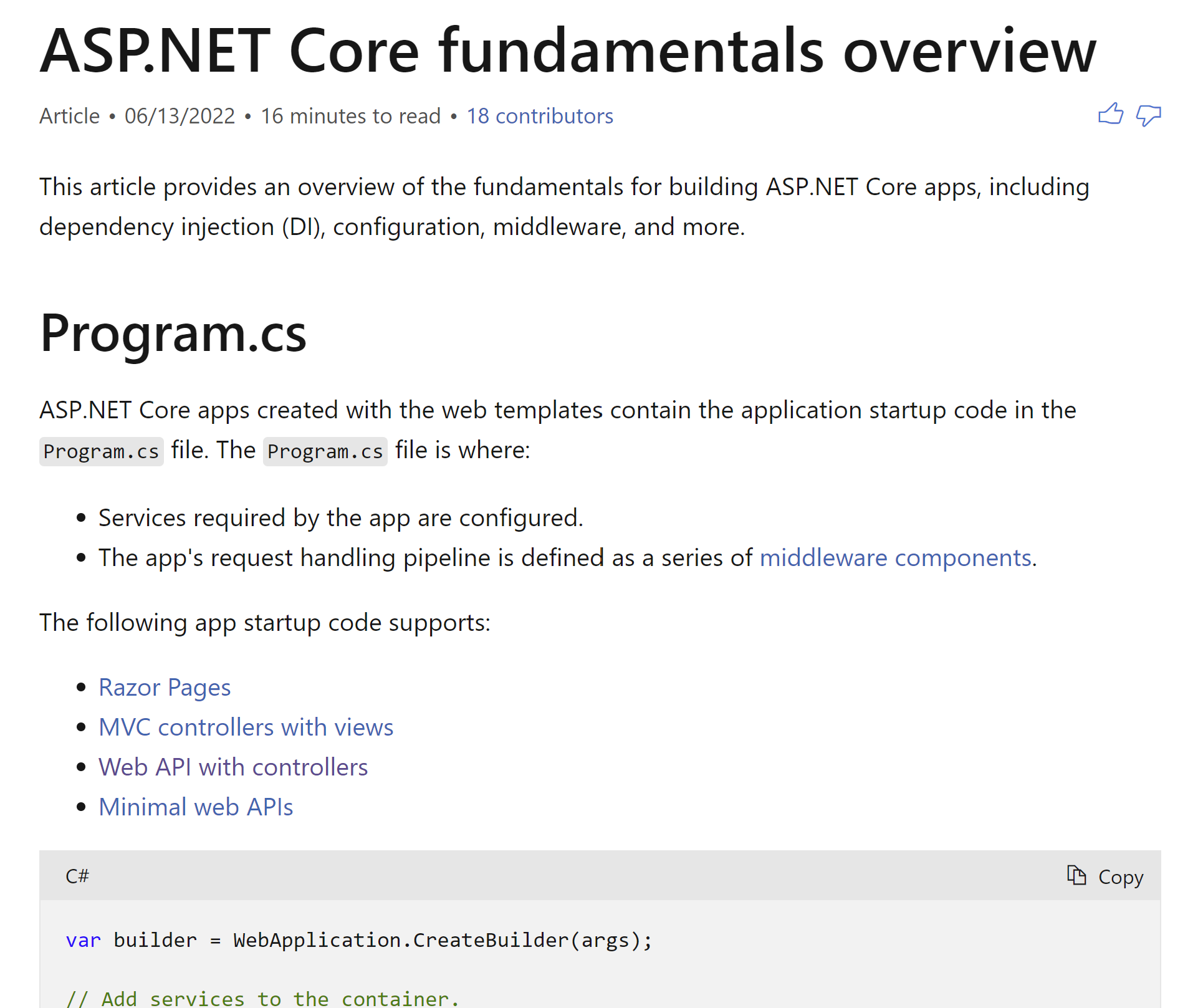
While working on Window Services for .NET 6 I found multiple issues in :ASP.NET Core fundamentals overview:


The changes committed in my name are as follows (three commits to main):


Actually, I tossed two edits to Marty (mcasey329) and Jayson so there were five commits. I wanted us all to show up as contributors:


XmlDocument/C#: Improving the Online Documentation (Open Source Contribution)

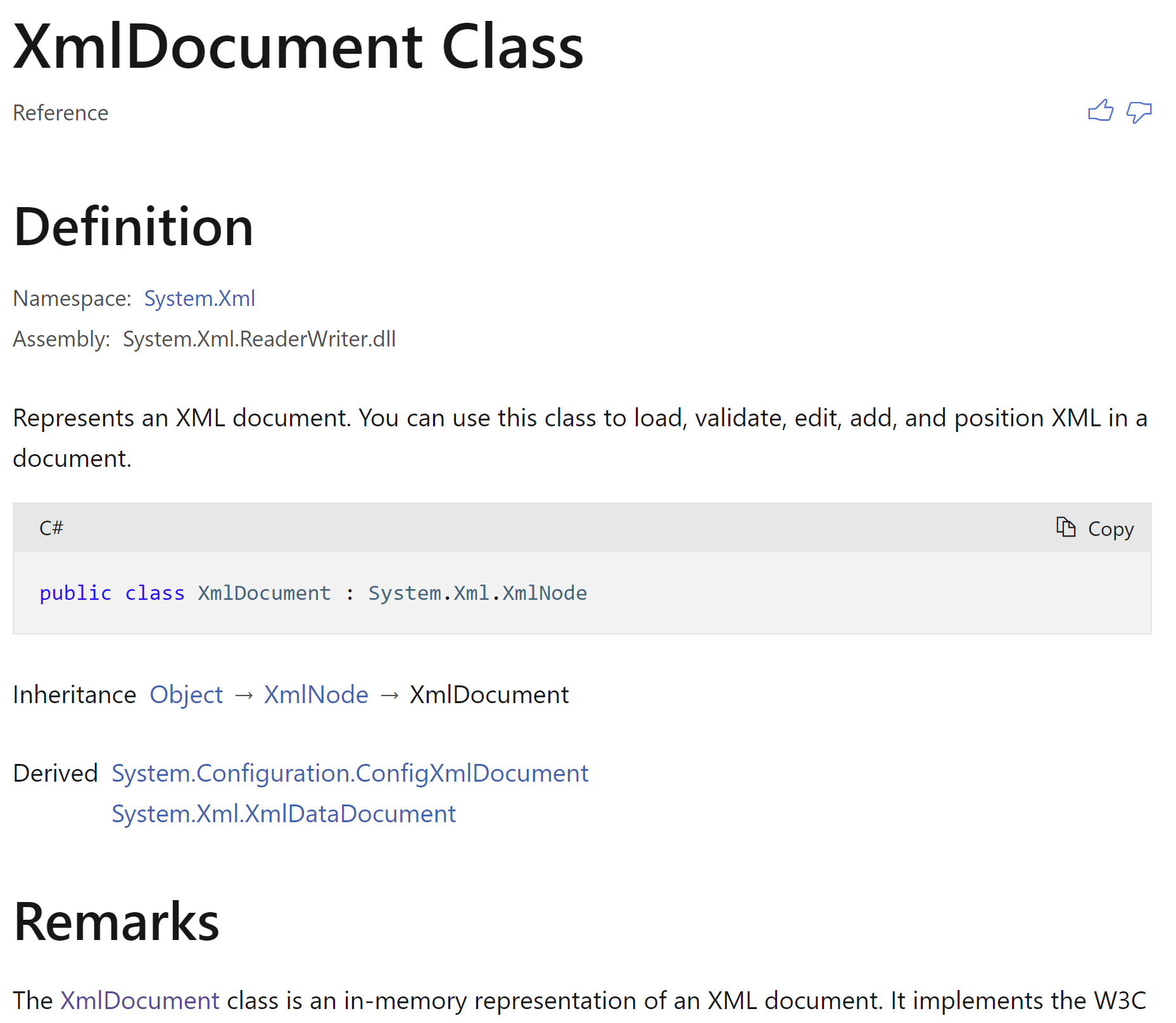
The documentation for .NET's Xml Document class can be found at XmlDocument Class:


This documentation dates back to 2002 and was in need of some changes to make it more contemporary including an update from .NET 1.0 circa 2002 code to .NET 1.1 circa 2003:


And cleaning up the sample code:


One more change merged:


Visual Studio/Debug Local Docker Containers: Improving Online Documentation (Open Source Contribution)

Microsoft's documentation Debug apps in a local Docker container demonstrates how to debug applications in Docker containers:


Three changes I made to this page were committed by Microsoft:


Thursday, May 12, 2022

Xml Schemas/C#: Improving Online Documentation (Open Source Contribution)

While reading a code snippet in Microsoft's documentation, Reading and Writing XML Schemas I noticed the following example code:


The variable of type XmlSchema is named myschema. This is a C# example and prefixing variable names with the term "my" is a coding style associated with VB.NET. 

I edited the page which brought me to Github. Github makes a fork and allowed me to suggest the change by creating a pull request. Here is updated documentation reflecting my accepted change:


Here is the notification that the pull request was merged into the main branch: